System blocked numbers
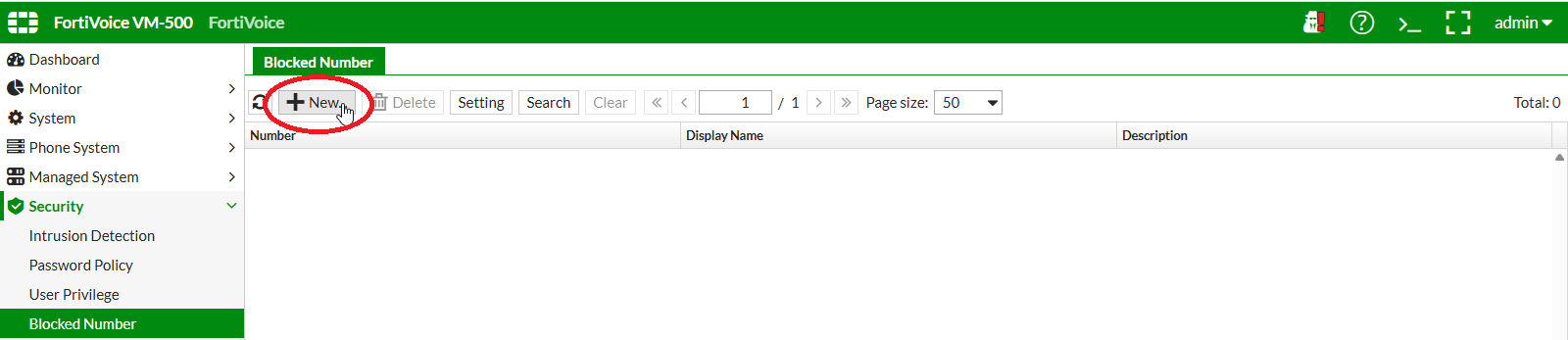
On the FortiVoice web administration page, select Security and Blocked Number on the left-hand menu.
Select the Blocked Number tab to manage system blocked numbers.
Click the New button to create a new blocked number.
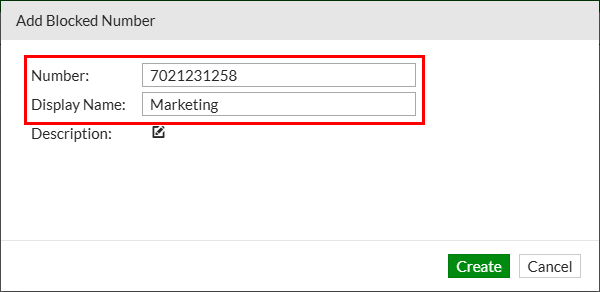
Complete the following fields to create the new blocked number:
- Number:
7021231258 - Display name:
Marketing
Click the Create button to create the new blocked number.
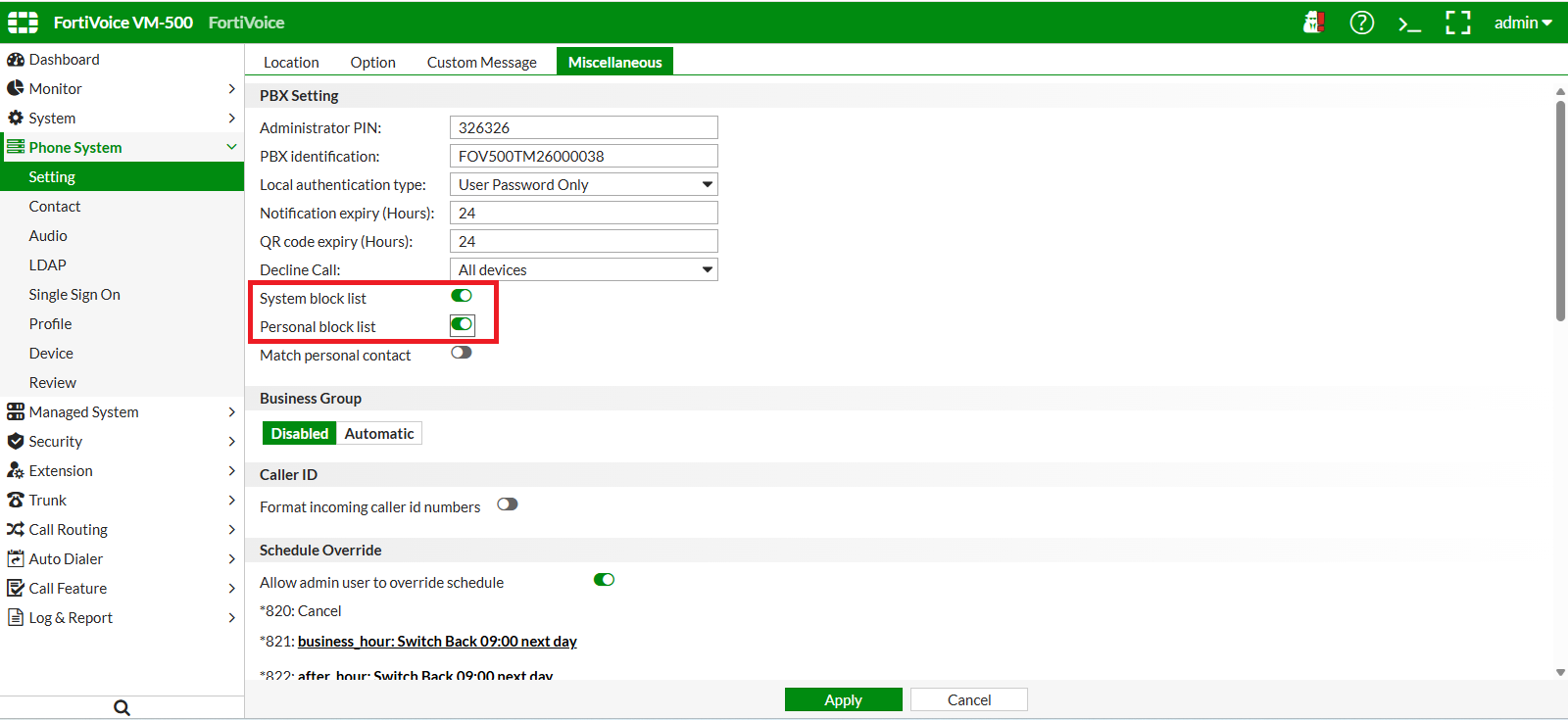
To be active, blocked number and Personal blocked list need to be enabled in the phone system settings.
On the FortiVoice web administration page, select Phone System and Setting on the left-hand menu.
Select the Miscellaneous tab to manage phone system settings.
Enable System block list and Personal block list features.
Click the Apply button at the bottom of the page to apply the new settings.