Connect to the training environment
You should have received an email containing detailed instructions for accessing the training environment.
The email can be identified by the following information:
- Sender: FORTINET CSE LABS
- Subject: Your CSE Workshop Access Details
This email contains the information required to access your lab environment, including the training environment URL, your assigned lab number, and the credentials required to log in.
Review the email before starting the training and verify the following prerequisites:
- Use a supported web browser: Google Chrome or Microsoft Edge.
- Ensure that the FortiPAM browser extension is installed and enabled in the browser you will use.
Access to the training environment is provided through FortiPAM.
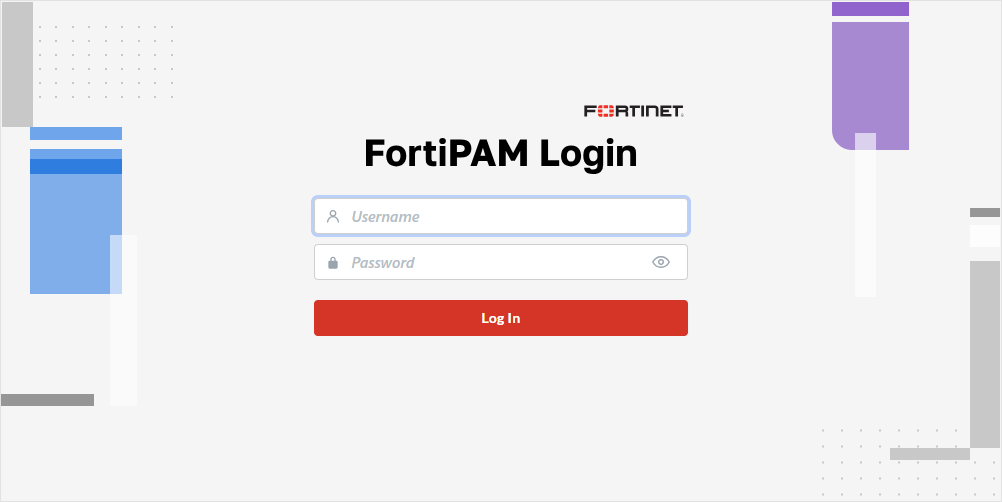
Click the link provided in the email to open the FortiPAM login page, then sign in using the credentials provided.
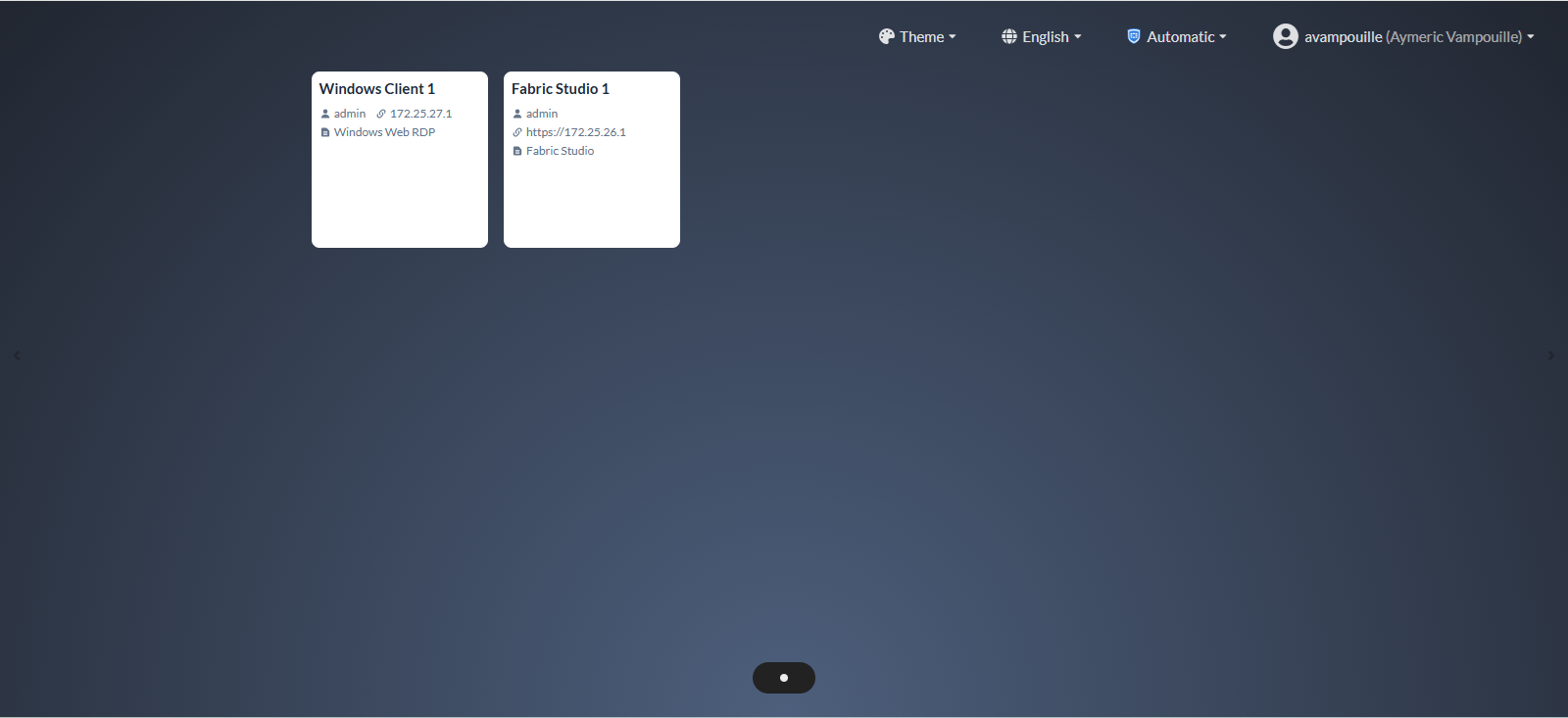
After authentication, the training dashboard is displayed.
Warning
Ensure that the FortiPAM mode is set to Automatic or Extension on the dashboard.
To change the mode, use the drop-down menu located in the upper-left corner, next to your username, and select the appropriate mode.