Open the training lab
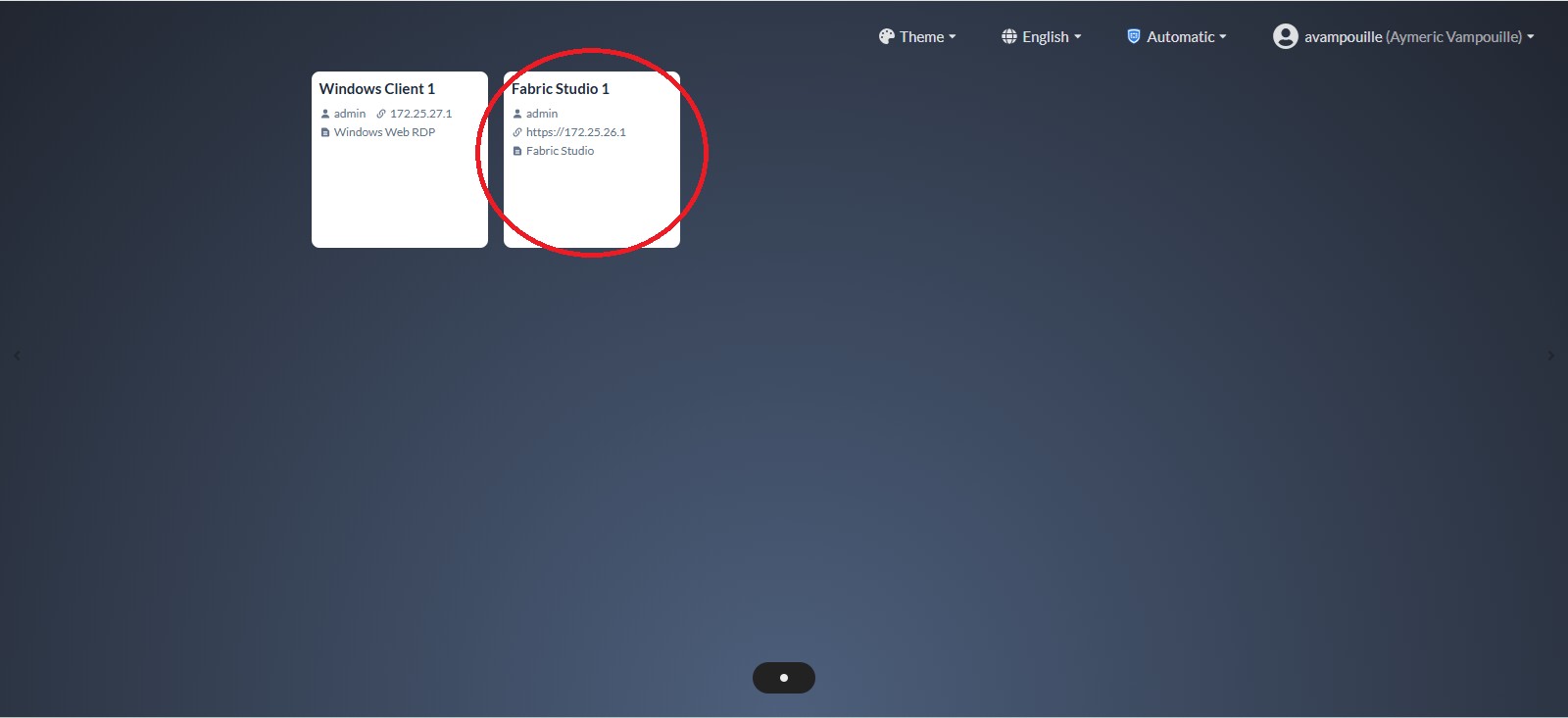
On the training dashboard, click the Fabric Studio tile to open the virtualization environment.
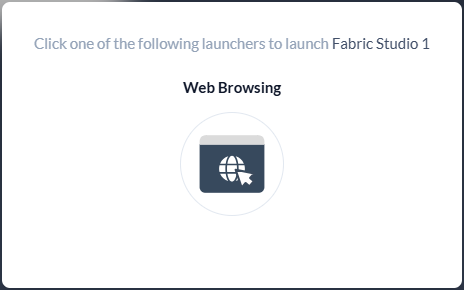
Click the Web Browsing icon.
A new browser tab will open automatically. Switch to the newly opened tab to access the virtualization environment.
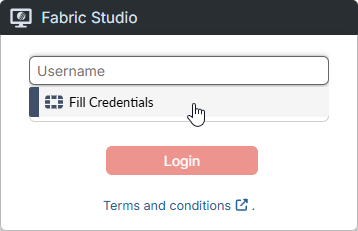
Sign in to the virtualization environment: click the Username field, click Fill Credentials, and then click Login.
On the left-hand menu, select Repositories, and then select Remote.
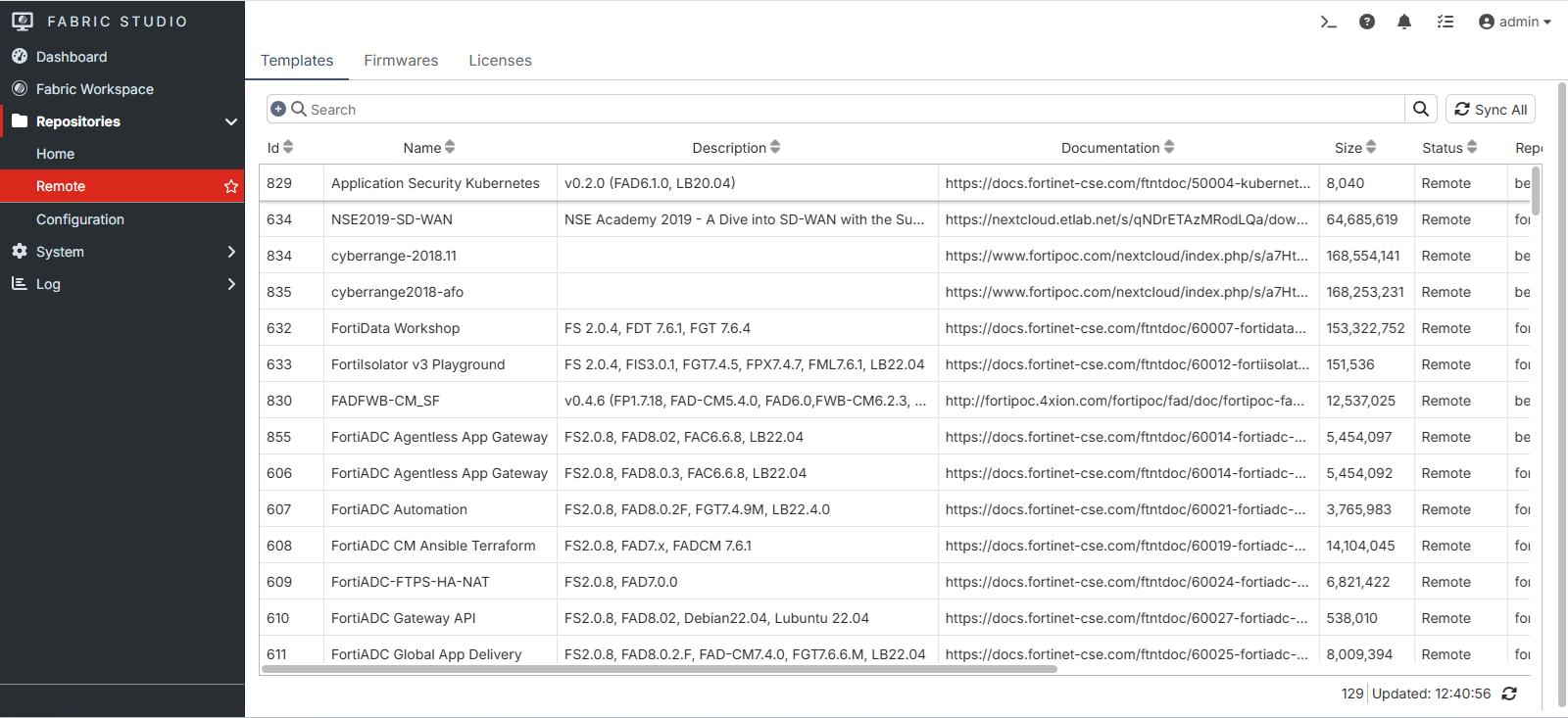
In the search bar, enter FVE to locate the training lab project.

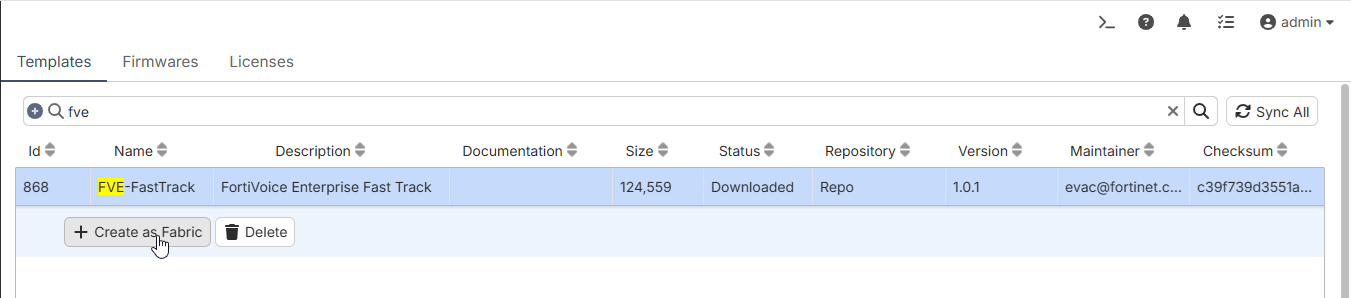
Select the FVE-FastTrack lab project, and then click Create as Fabric to import the training lab into the virtualization environment.
Note
Ensure version 1.0.2 is selected if there is more than one version of the lab project.