Start the training lab
Once the training lab has been imported, select Fabric Workspace from the menu on the left.

Select the imported training lab, then click the Edit button to access the training lab environment.

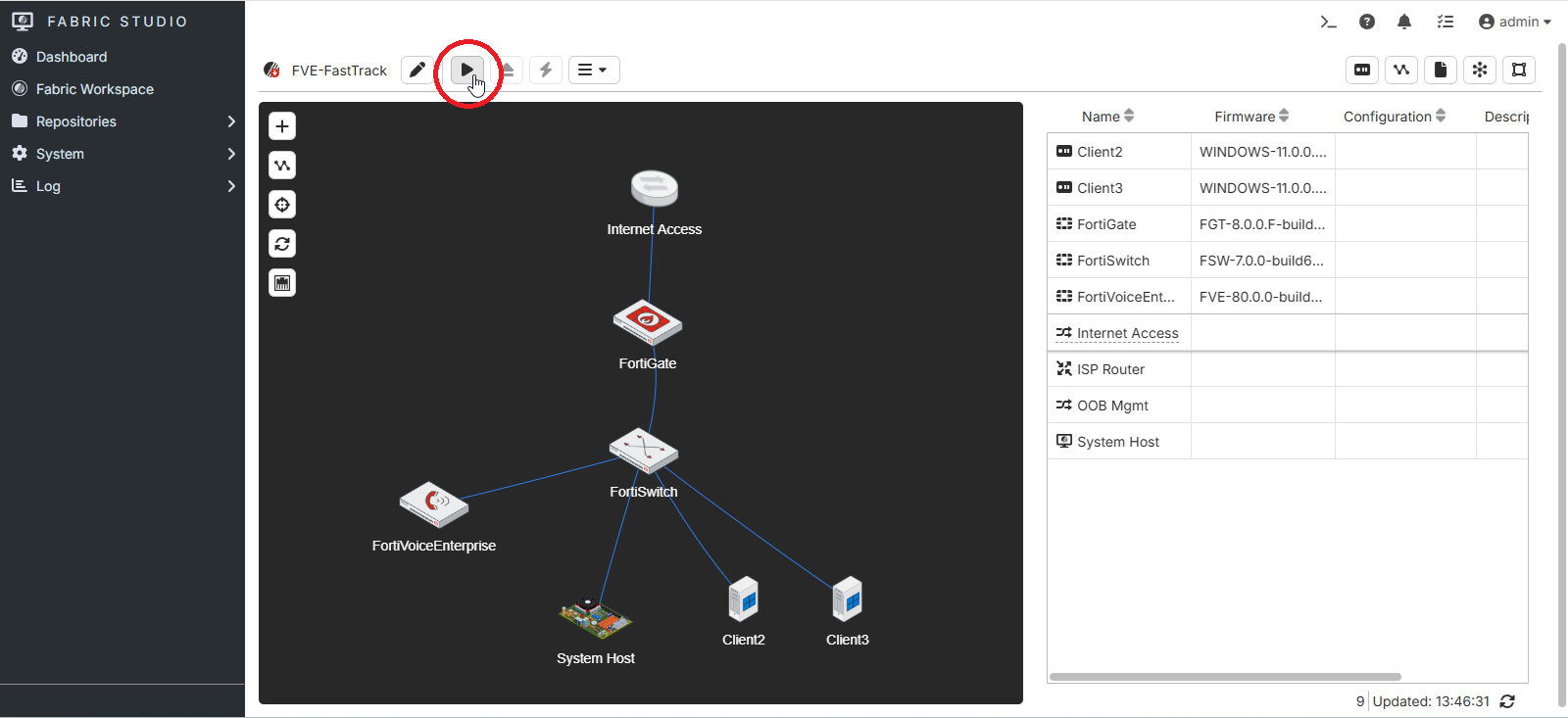
Click the Install button to deploy and start the training lab in the virtualization environment.
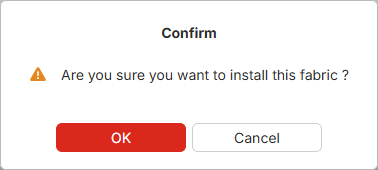
Click the OK button to confirm the installation.
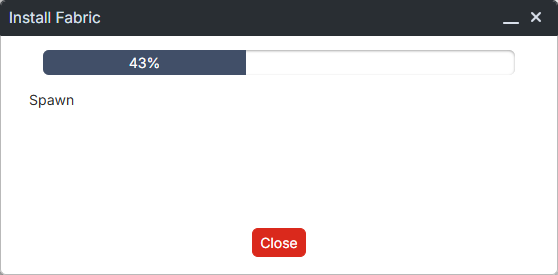
Wait for the training lab deployment to complete. This process may take a few minutes.
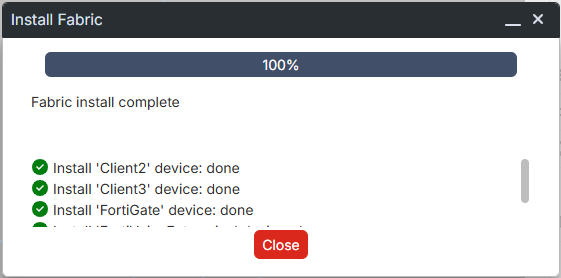
Once the installation is complete, click the Close button.
The training lab is now deployed and ready to use.