Ring groups
On the FortiVoice web administration page, select Extension and Group on the left-hand menu.
Select the Ring Group tab to manage ring groups.
Click the New button to create a new ring group.

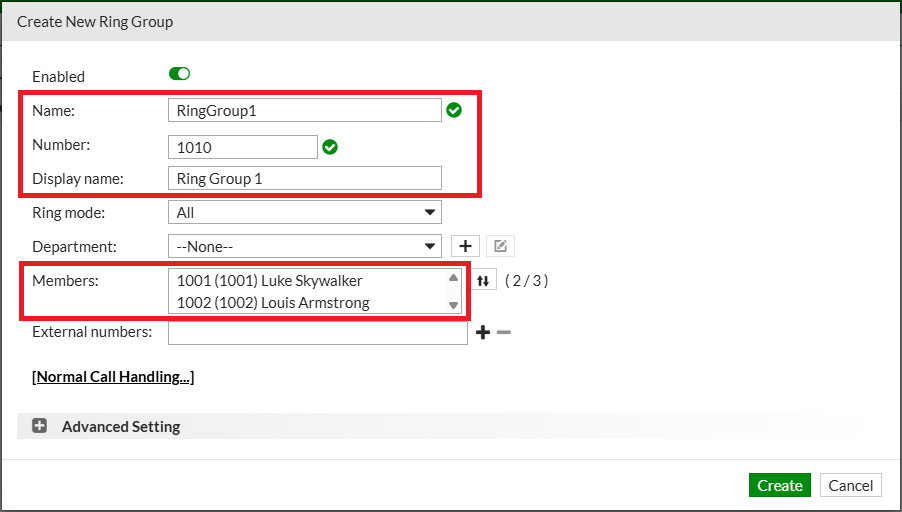
Complete the following fields to create the new ring group:
- Name:
RingGroup1 - Number:
1010 - Display name:
Ring Group 1 - Ring mode: select
All - Members: select
Extension 1001andExtension 1002
Click the Create button at the bottom of the page to create the new ring group.
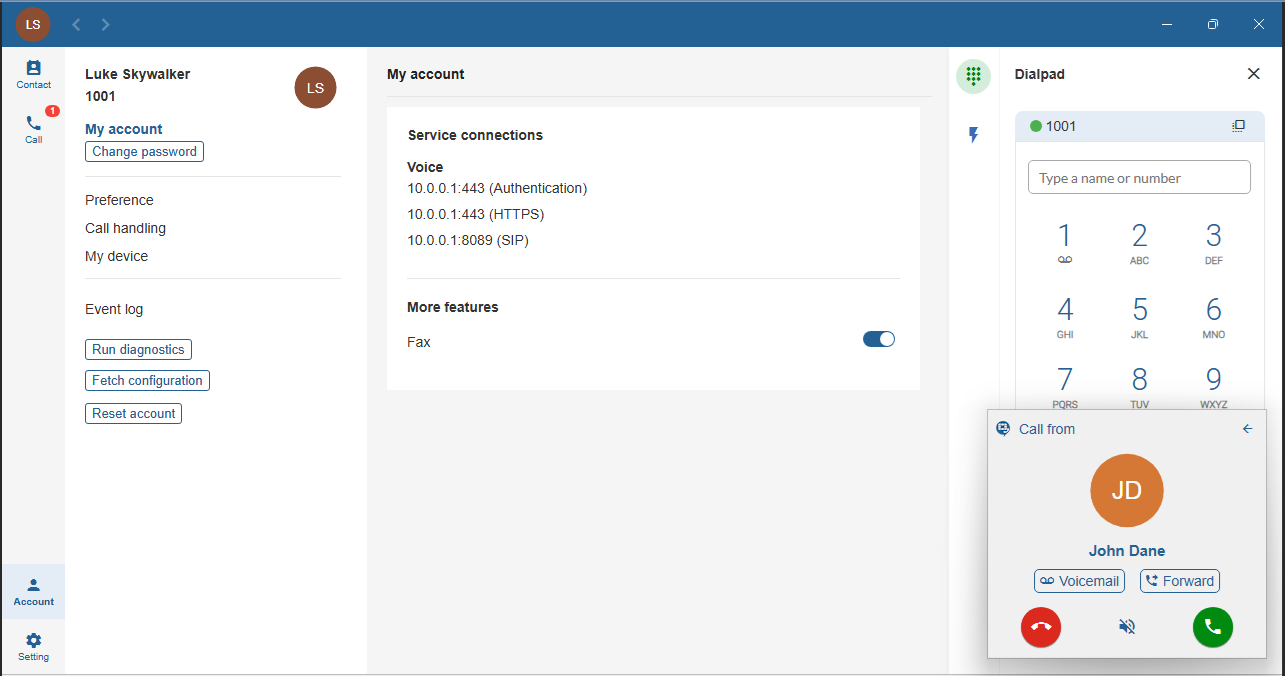
Using Client 1, call the directory number 1010.
Verify that the call is presented on both Client 2 and Client 3.