Make a 911 test call
In this simulated E911 exercise, dialing 911 from extension 1000 routes the call to extension 1002, which was configured earlier to act as the simulated Public Safety Answering Point (PSAP). After the PSAP answers, extension 1001 should join the call through emergency barge-in and receive the configured text notification. FortiVoice also sends an email to the emergency contact address configured in the emergency zone.
Using Client 1, dial 911.
Verify that extension 1002 on Client 3 rings, and then answer the call.
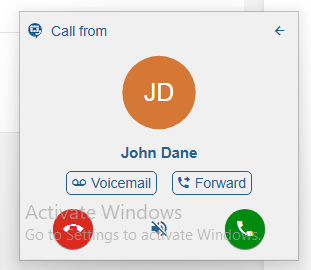
On Client 2, verify that the text notification is received and that extension 1001 joins the emergency call.
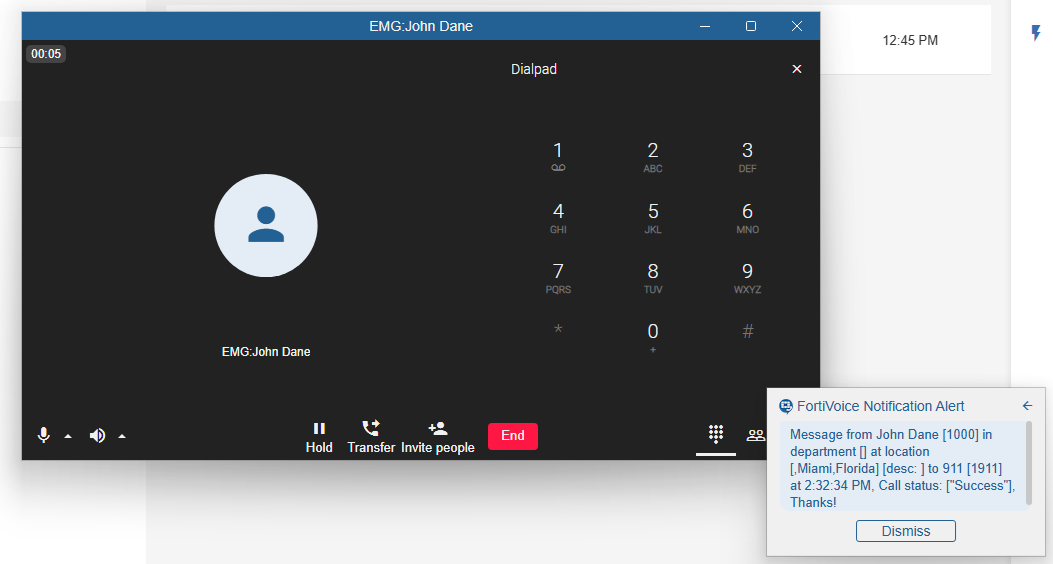
On the FortiVoice web administration page, select Monitor and Storage on the left-hand menu.
Select the Recorded Call tab to access call recordings.
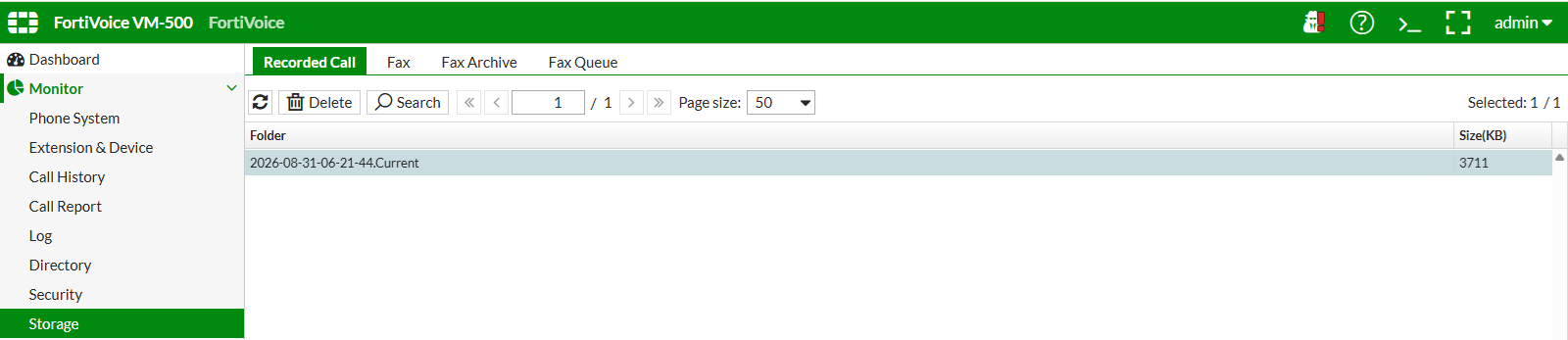
Double-click the most recent item in the table.
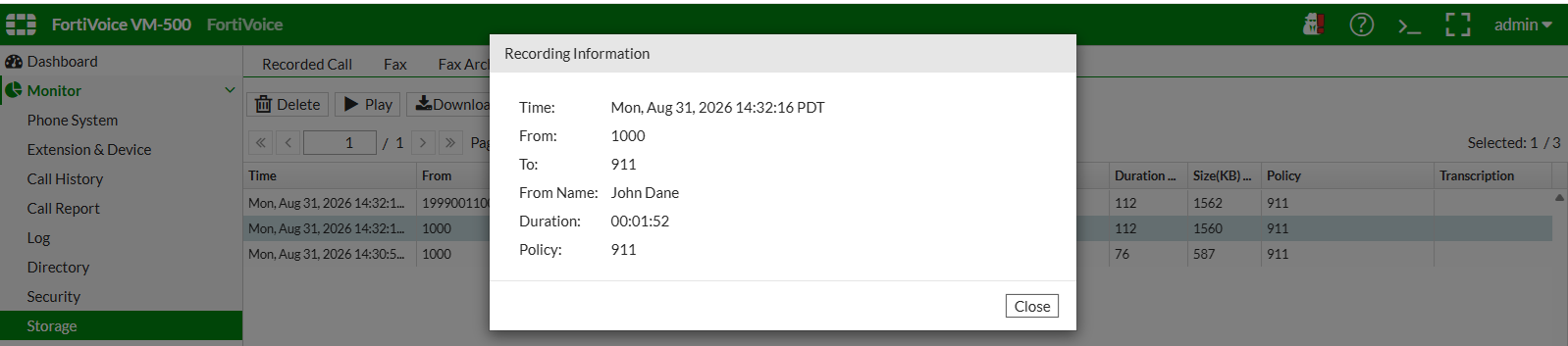
The list of 911 call records is displayed.
Select a recording to view more detailed information.
If you entered your email address as the emergency contact email in the emergency zone, verify that you received the notification email.