Make test calls
Within the training lab environment, open Client 1 and Client 2 consoles if they are not already opened.
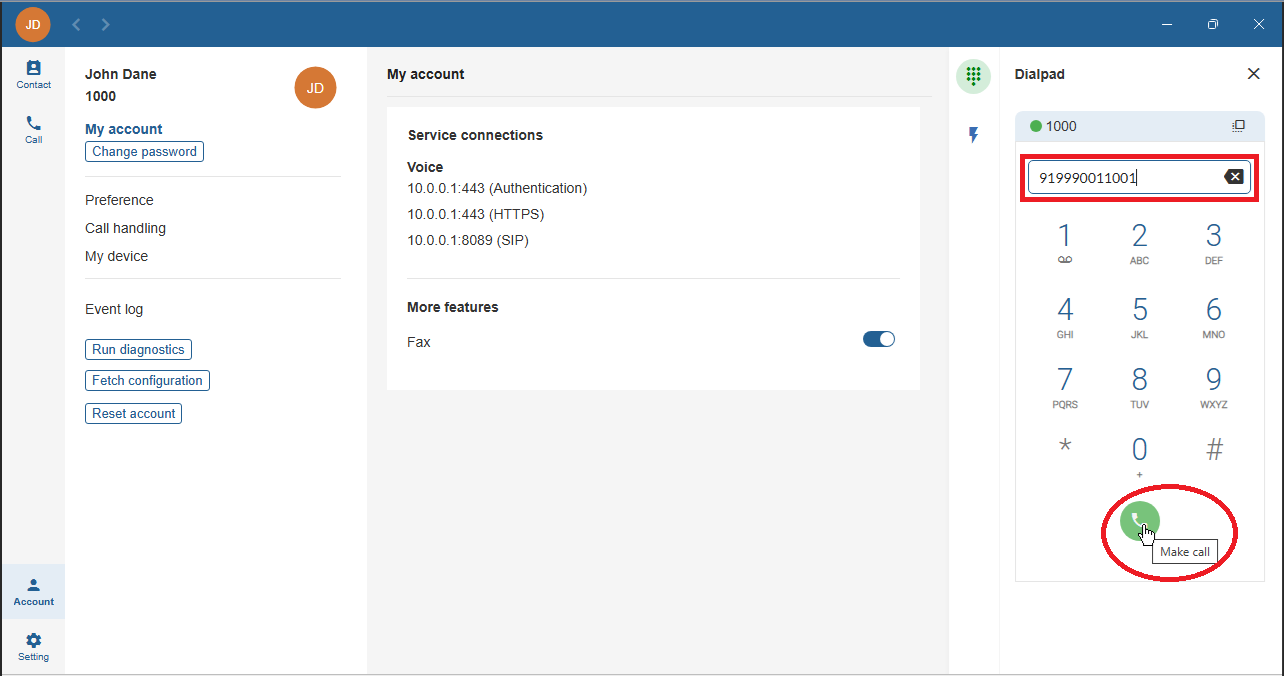
From Client 1, dial 919990NN1001 to call Client 2 using its DID number (replace NN with your assigned two-digit lab number).
The leading 9 is required to make an external call as defined by the dialed number match rules of the outgoing_default outbound call routing rule.
Click the call button to start the call.
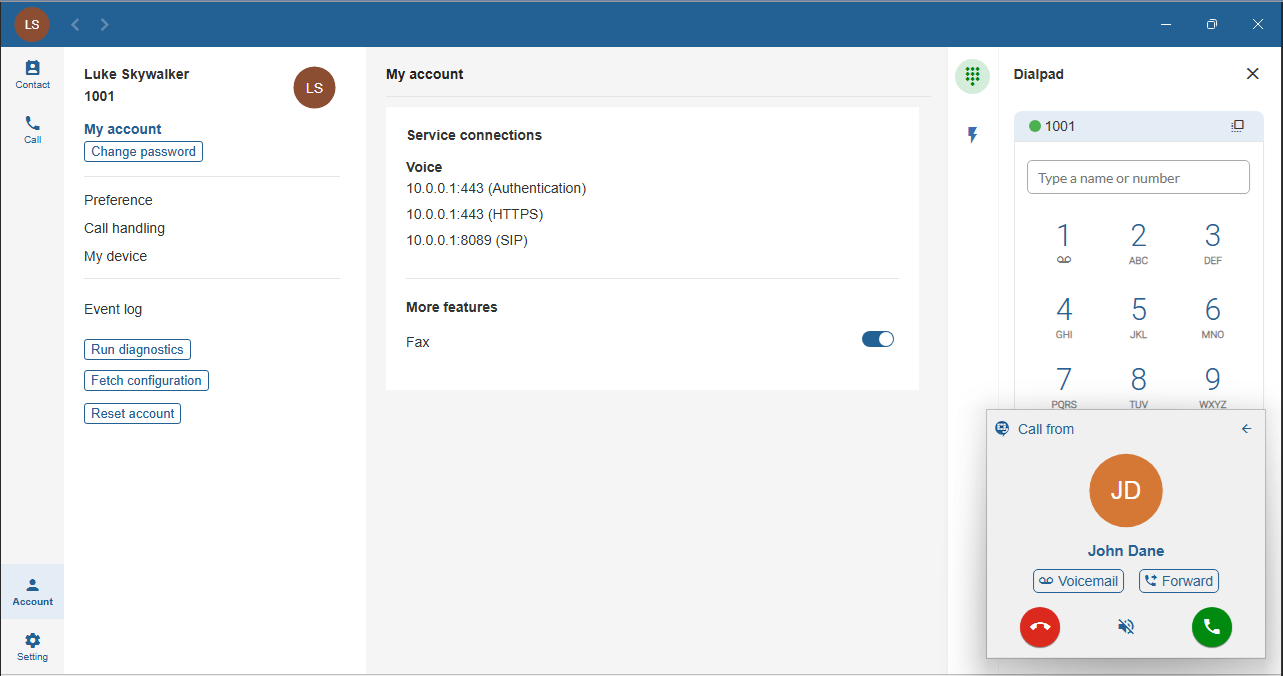
Verify that the call is received on Client 2 and answer the incoming call.
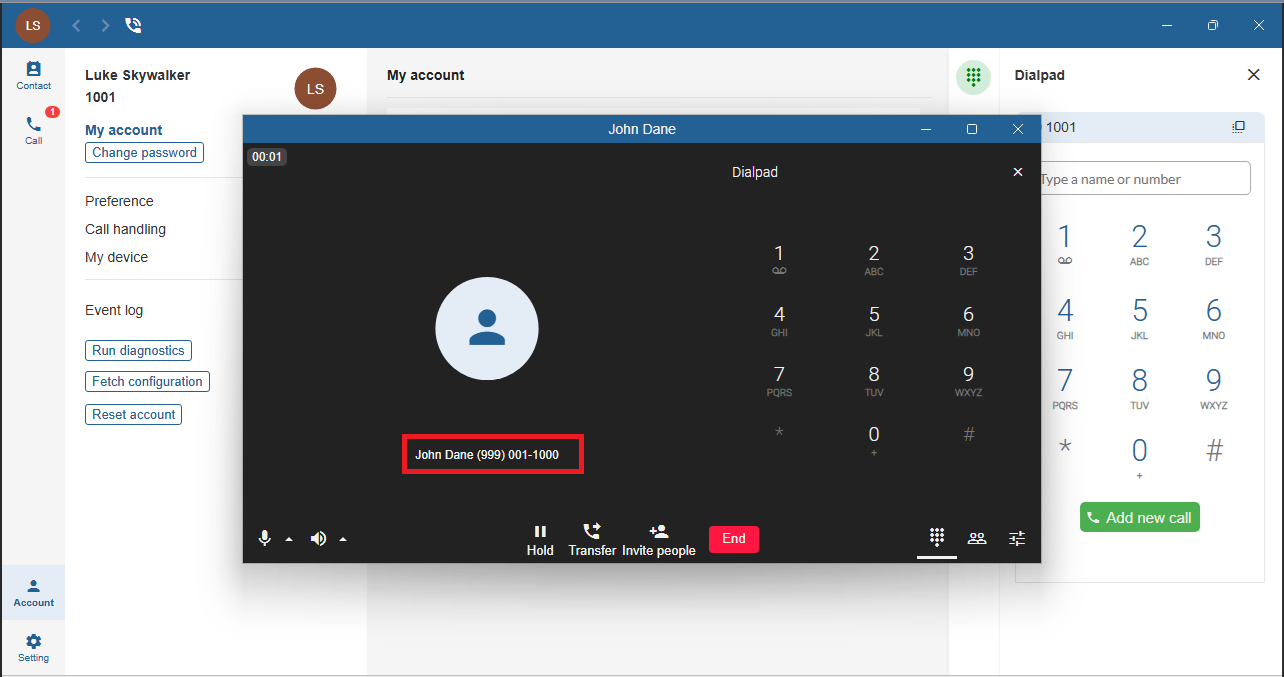
Verify that the caller ID corresponds to the DID assigned to extension 1000 (19990NN1000).
Repeat external call testing by calling other extensions using their DID numbers.